BlackRock Voting Choice
An industry-first SaaS solution for retail investors to participate in ESG voting decisions inline with their ethical values and policy governance preferences.

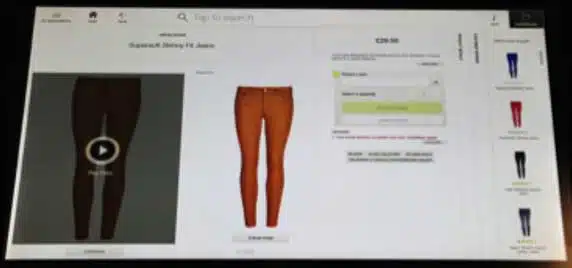
TSOPs were introduced into the M&S estate in October 2011. These self-service devices allow customers to access the full M&S.com range from within the store, enabling them to place orders for home delivery or in-store collection
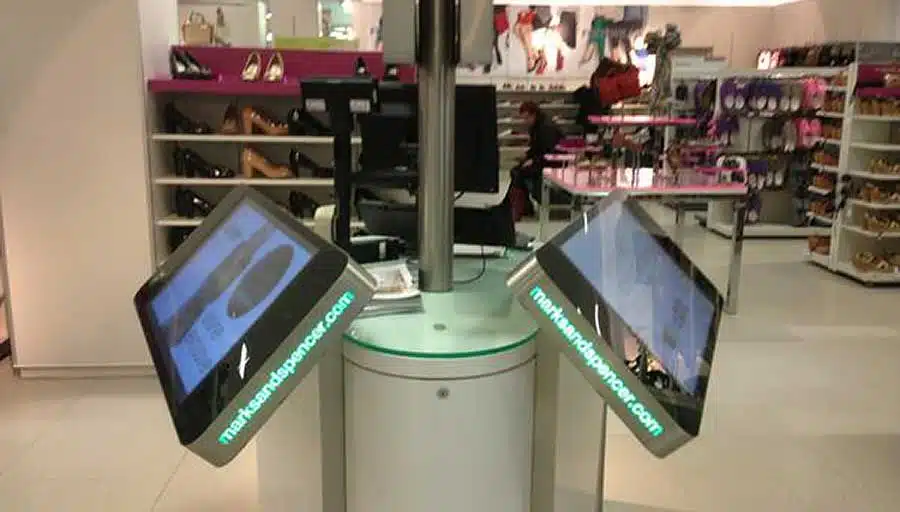
The primary objective of this project was to gain a deeper understanding of M&S’s TSOP estate through a comprehensive approach that involved store visits, data analysis, qualitative, and quantitative research.
The overarching goals were to:
On this project I worked as sole UX Design Lead, and my role encompassed:
Qualitative Research: This involved conducting face-to-face interviews with a substantial number of store staff from various locations. The aim was to gather direct feedback from those interacting with the kiosks.
Product Design: I played a pivotal role in designing and developing a new Digital Stores ‘Browse and Order’ proposition. This design was rooted in insights derived from data and research, with a focus on enhancing user experience to make navigation more intuitive.
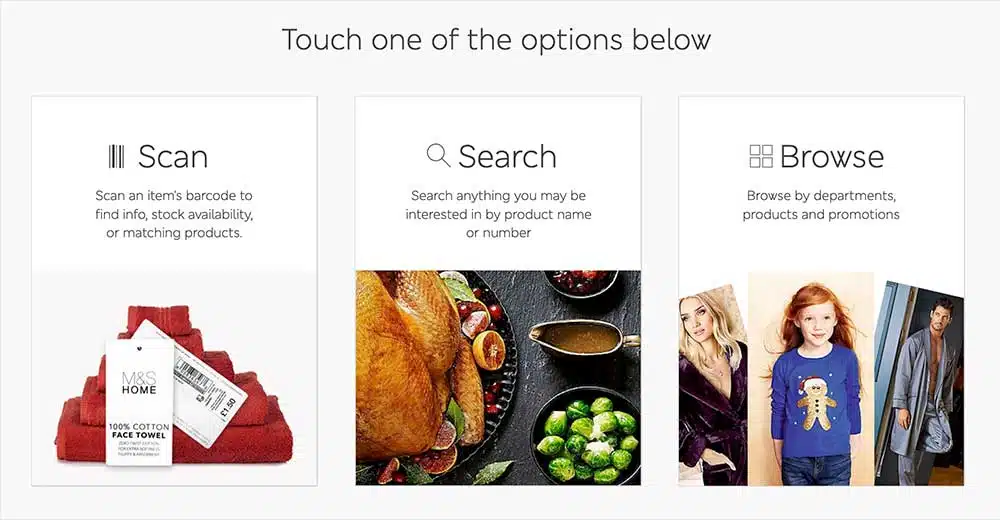
I designed and tested three different concepts, with the most successful one prominently featuring the barcode reader —Scan, Search, or Browse— resonating most effectively with customers.
Customers highly appreciated the capability to scan an item and promptly access vital information, including cross-store stock availability, color options, complementary items, or suitable alternatives.
I designed significant enhancements to the PLP, including reducing the number of products displayed, increasing image sizes, transitioning from horizontal to vertical scrolling, and relocating filters from the bottom to the side of the screen.

Legacy (left), NEW version (right)
I designed further changes on PDP to improve user-friendliness, such as replacing the product image carousel with a grid, introducing a more user-friendly size selector, and providing functionality to check stock across multiple stores.
During this phase, interviews were conducted with staff and customers across multiple UK locations, with a specific focus on their interactions with the kiosks.
“It’s quicker than the till for showing nice stuff despite being rarely used for ordering”.
“It’s a very elderly clientele in this store who appreciate the big pictures”.
“9/10 times the TSOP is used, an order is placed on the adjacent till.”
TSOPs were used more when placed in prominent areas, although some customers preferred secluded locations for privacy.

High footfall area placement

Secluded location placement
The messaging lacked visual clarity and did not effectively convey the TSOPs’ purpose.
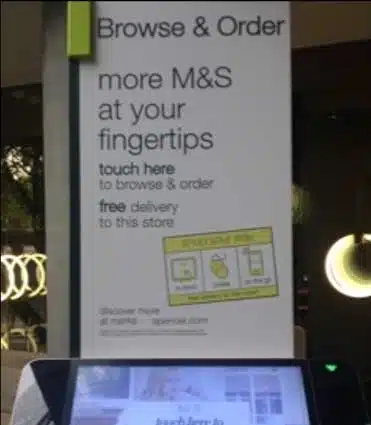
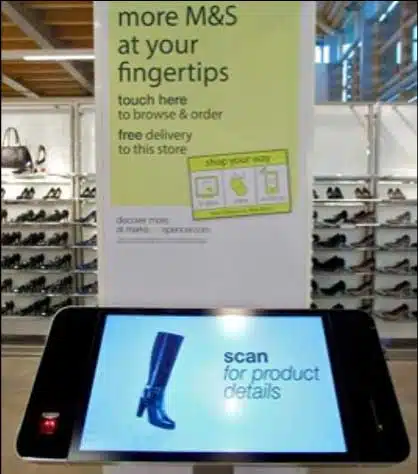
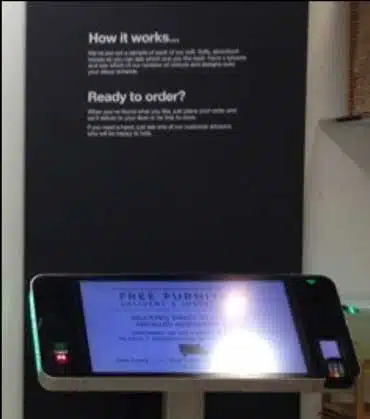
The kiosk user interface fell short in engaging customers, failing to capture their attention and interest effectively.
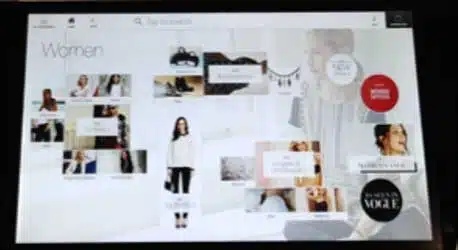
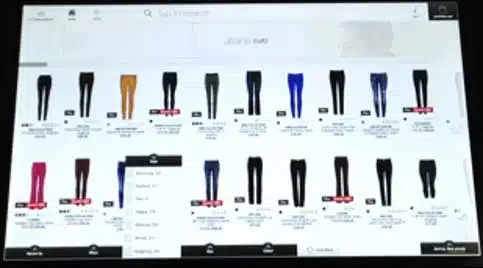
The “Browse & Order” team, including myself, embarked on the design phase, which involved sketching initial concepts and rapidly transitioning to a functional prototype for testing.
The initial round of testing proved highly successful, prompting additional testing in-store at M&S Edgware Road. Customers and staff responded positively to the new interface. The user tests demonstrated that the new prototype was effective and user-friendly. Customers found it easy to use and valuable for obtaining product information, including sizes, colors, and stock availability.

My macbook uploading Axure to a TSOP at M&S HQ.
The new “Browse & Order” kiosk app was rolled out to all M&S stores six weeks later. The new design generated an 73% y.o.y. conversion uplift, and improved the in-store experience CSAT score.
Kyle McGinn, Head of M&S New Channels and Digital Labs, expressed his satisfaction with the project, stating:
“Our goal is to be the best of M&S in every store and these kiosks do that in a convenient and practical way, whilst also providing inspiration and choice.”
If you’d like to find out more about my work and experience, or to discuss potential projects, please get in touch!