BlackRock Voting Choice
An industry-first SaaS solution for retail investors to participate in ESG voting decisions inline with their ethical values and policy governance preferences.

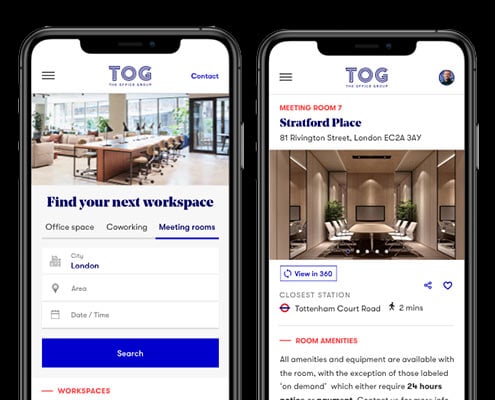
Whether you’re handling a conference call or orchestrating an ideas session, find a space that’s accessible for all your attendees with a meeting room at The Office Group in UK or Germany.
Up until August 2020 meeting room bookings at TOG were typically generated by phone or via the front of house teams, in-person. Benchmarking data demonstrated that meeting room sales were well below competitors’ average.
High level goals included:
As Head of Digital Experience, I led a small yet dynamic design team, consisting of myself, a user researcher, and a product design contractor.
On this project, I collaborated closely with the team, working hands-on across research and design to create an intuitive and efficient meeting room booking system. My approach combined strategic oversight with deep involvement in day-to-day design and user testing, ensuring we delivered a solution that seamlessly met user needs.
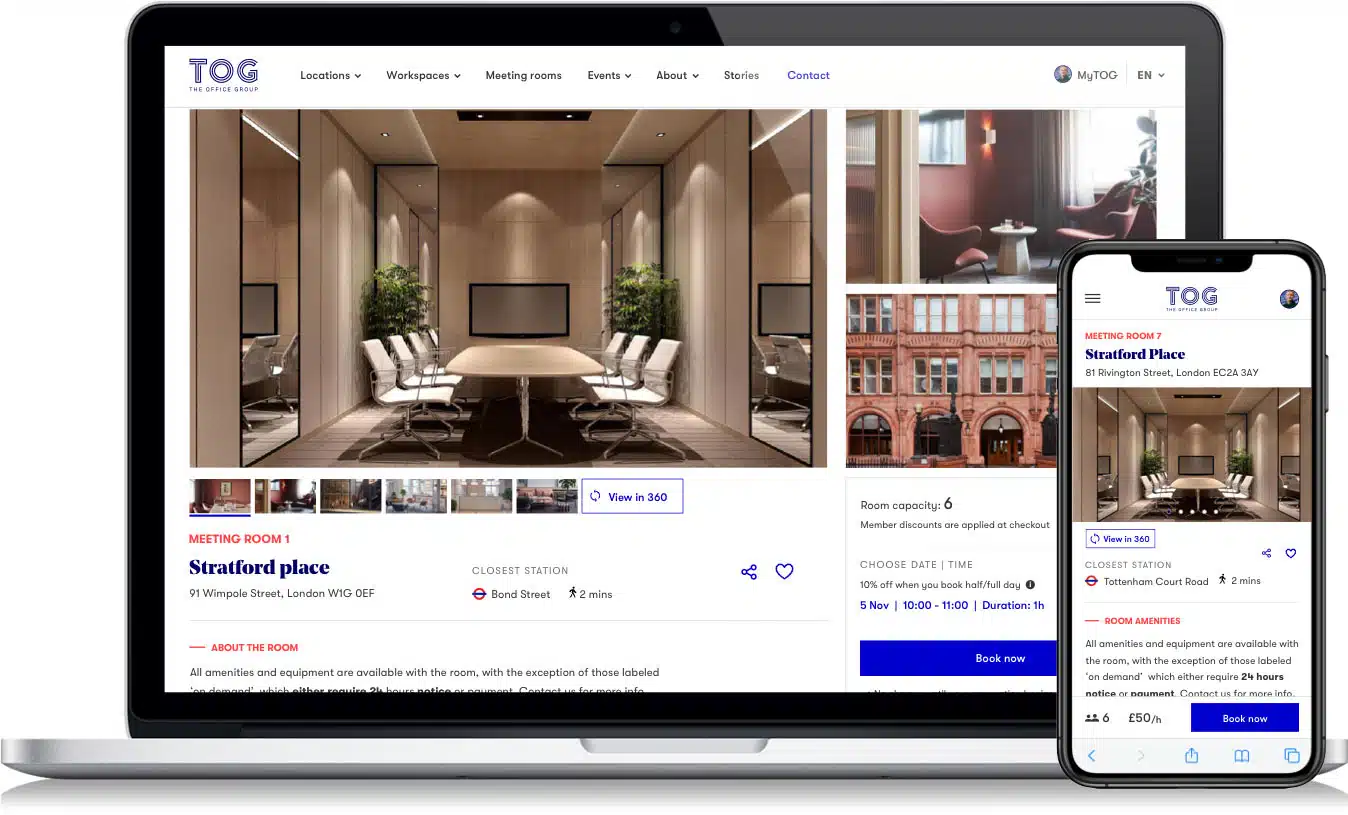
I led a comprehensive redesign of the homepage, introducing a multi-purpose search functionality to streamline meeting room searches and improve navigation. The refreshed design featured enhanced navigation, inspirational imagery, and a modern aesthetic that better resonated with our users and brand identity.
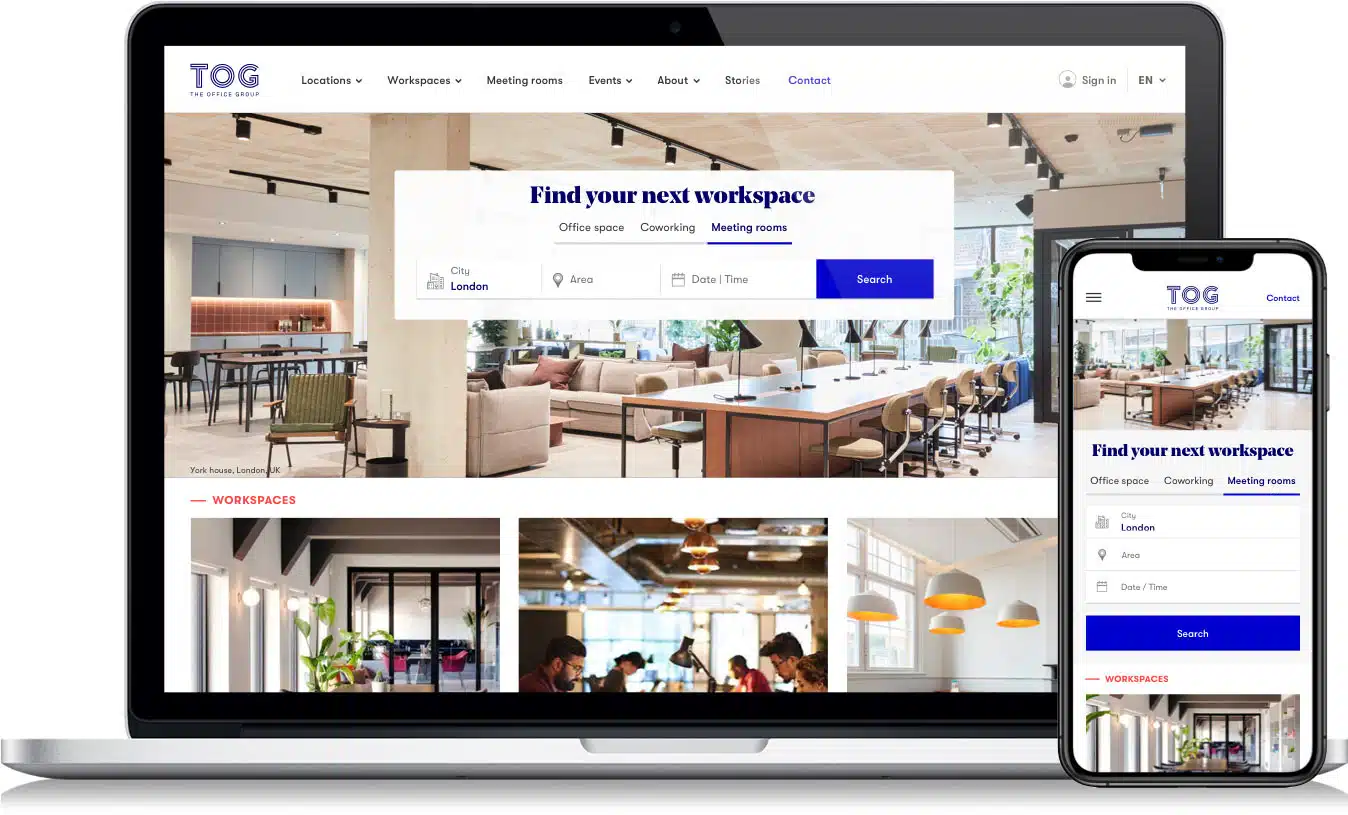
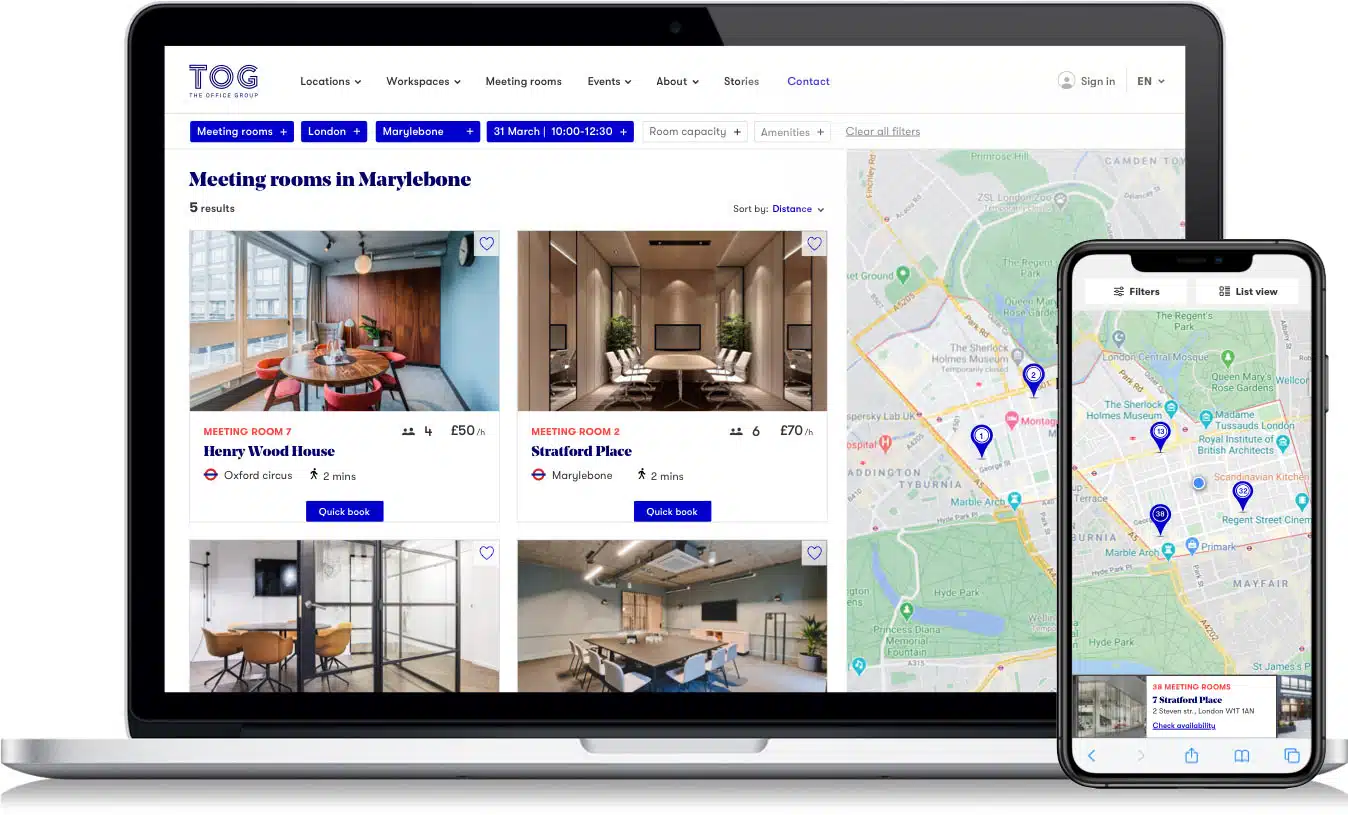
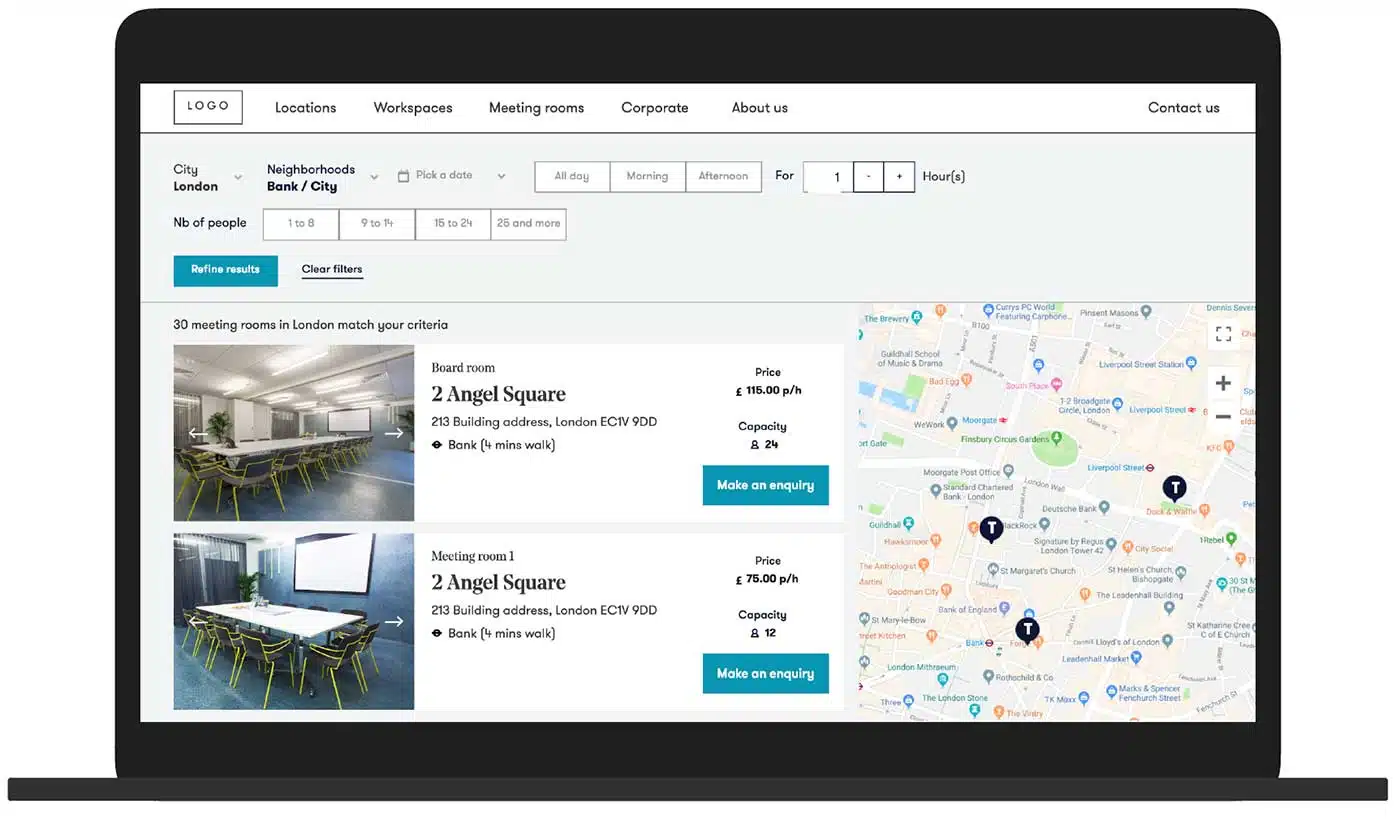
I designed a new split-view template combining list and map views to offer users a flexible and intuitive way to browse options. Enhancements included improved filter options with optimised positioning and live availability checks.
I also reimagined the product cards, making photos more prominent, highlighting essential location and room details, and introducing a convenient 1-click booking feature for logged-in users, streamlining the journey from discovery to reservation.
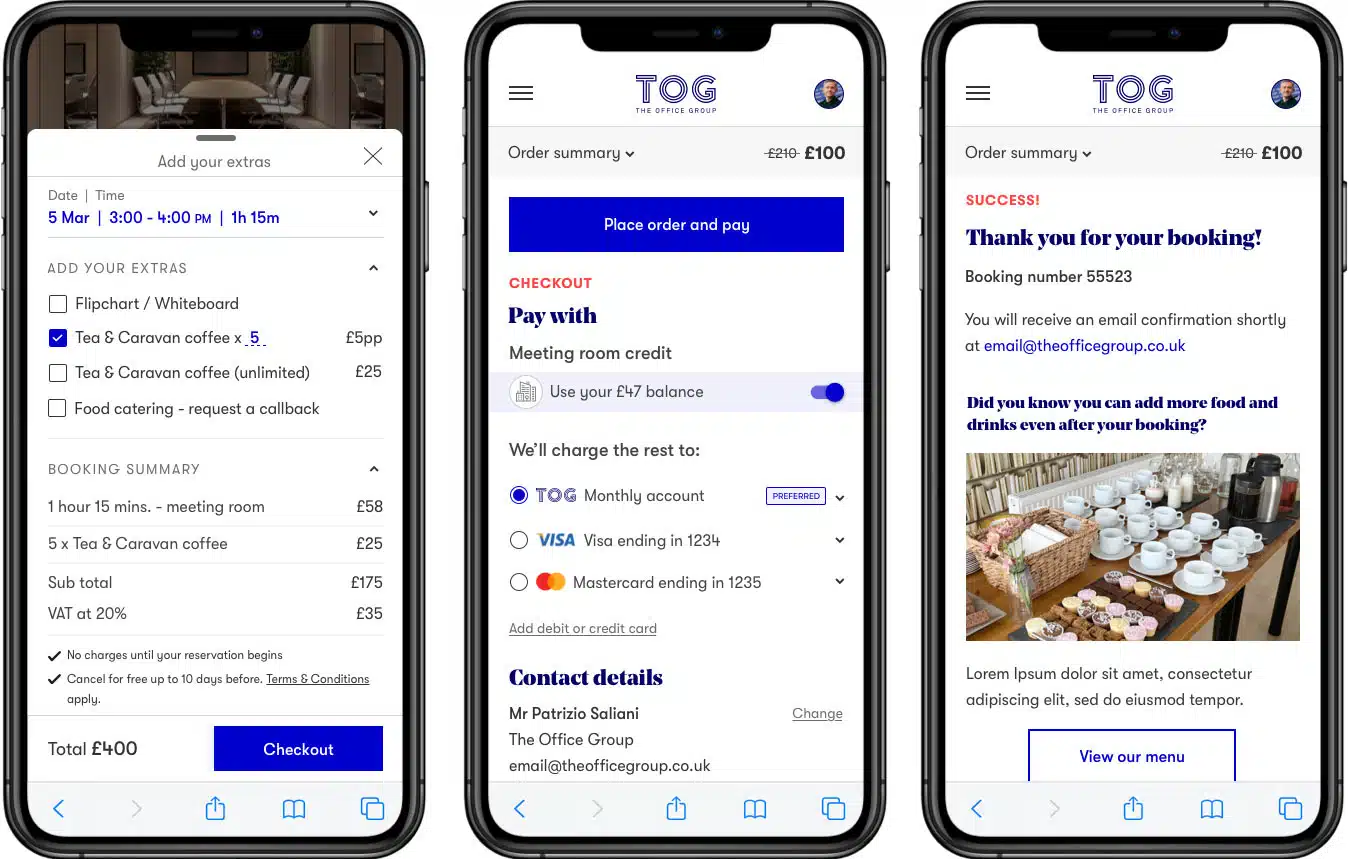
Enhance your event with additional catering options and conveniently complete your booking with a straightforward checkout process.
Without pre-existing insights, my starting point was research. Similarly to many other companies TOG was ripe with customer insights and assumptions.
I run discovery workshops with the Contact center, Sales, Building and Marketing teams to learn a bit more about the typical meeting rooms customer and the key assumptions to debunk with research.
From those sessions I was able to create a three key Proto-Persona (or Ad-Hoc Persona).
I partnered with a user research participants recruitment company to find the right profiles and co-moderated three in-depth interviews sessions with existing and prospect customers.
The sessions were followed by an affinity mapping workshop with the team to identify emerging patterns from the ‘factoids’ we learned from the interviews.
From the affinity mapping sessions I was able to create the following UX artifacts:

The company PA booking meeting rooms on behalf of others.
The external customer booking meeting rooms as overflow option.
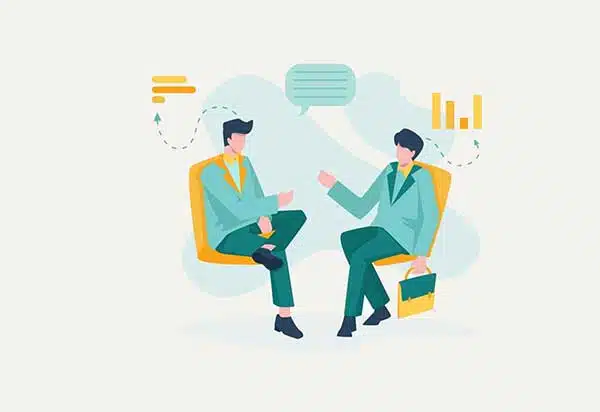
The TOG member booking meeting rooms to meet external clients.
The Overflow booker books meeting rooms 2-3 times a year, he needs it team building, away-days or workshops. Typical rooms capacity 8 – 16 persons.
For this customer the room layout, the equipment and natural light are essential to a successful outcome of the meeting. The Overflow booker shortlists online, makes an enquiry to selected few providers and then visits them in person to ascertain that the ‘space’ is suitable. He/she would consider booking online only if it’s a repeat booking at a known location and provider.

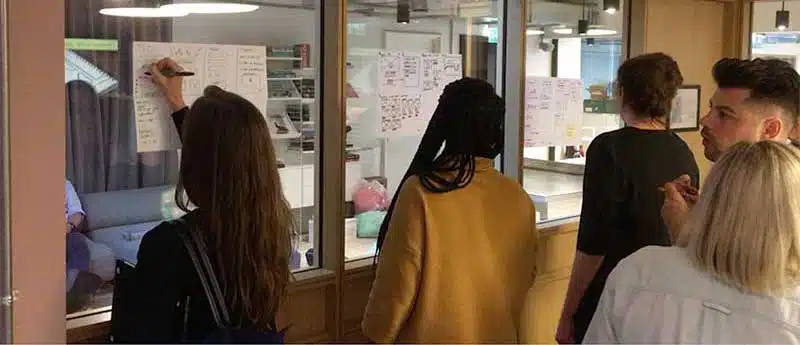
I developed a clear problem statement and introduced user personas to set the stage for our brainstorming session. During the workshop, I led diverse idea generation, facilitated presentations, guided discussions, clustered similar concepts, and helped prioritise ideas with team input.
I mapped out the user flow that could cater for each identified persona needs and wants.
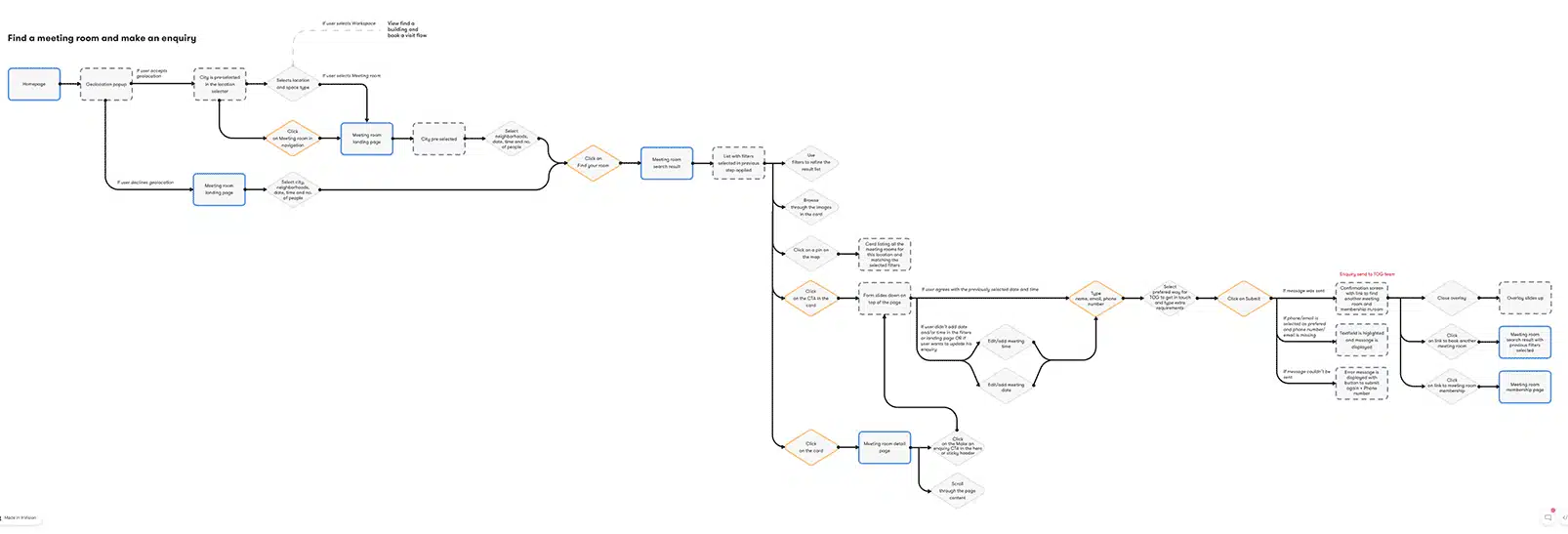
Overflow Booker journey
Following the ideation workshop, I created a clickable Axure prototype for usability testing, focusing on:
This prototype helped us assess and optimize these key aspects of the user experience.
Link to prototype: https://cs65by.axshare.com/
If you’d like to find out more about my work and experience, or to discuss potential projects, please get in touch!